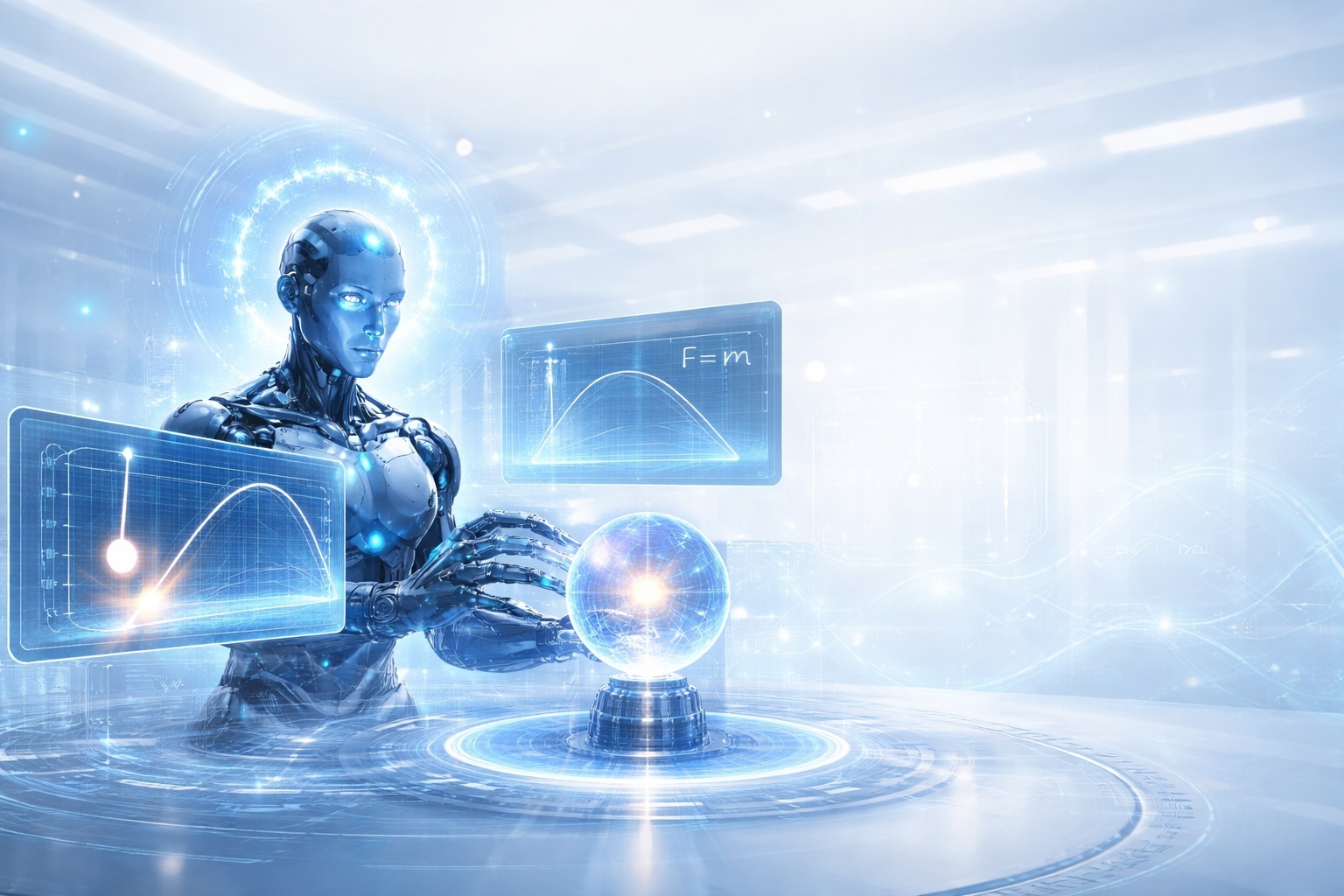

Physica: The Physics World Model for Scientific AI
LLMs can write poetry — but they can’t design a bridge (yet).
That sentence isn’t meant to provoke. It’s meant to clarify a boundary.
Over the last few years, language models have become extraordinarily fluent. They explain physics, derive equations, generate simulations, and write code that looks correct. To many observers, this fluency feels like understanding.
But fluency is not the same thing as grounding.
Ask a modern LLM to “simulate a pendulum.” It writes code that looks correct. Run it long enough… and the pendulum starts gaining (or losing) energy from nowhere. The bob drifts. The orbit precesses. Reality breaks.
If you’ve ever trusted an AI-generated simulation and felt an uneasy “this shouldn’t be happening,” you’ve already seen the problem.
That failure isn’t just a bug. It’s a category error.
Language models are trained to predict tokens. Physics governs states. Models can recite Newton’s laws, but they do not naturally live inside Newton’s universe. They don’t feel that certain trajectories are forbidden. They don’t know that some answers are simply impossible.
Project Physica exists because that distinction matters.
Physica is a Physics World Model: an AI system where outputs are constrained, corrected, and optimized by physical structure itself — not by plausibility, not by text similarity, but by the same rules that govern reality.
The observation: token fluency ≠ physical truth
Physics is unforgiving in a way language is not. A simple pendulum is governed by:
\[\frac{d^2\theta}{dt^2} + \frac{g}{L}\sin(\theta) = 0\]This equation defines a manifold of allowed motion. Anything outside it is not “slightly wrong.” It is wrong.
If there’s no friction, total energy must be conserved:
\[E(t)=\frac{1}{2}m(L\dot{\theta})^2 + mgL(1-\cos\theta), \qquad \frac{dE}{dt}=0\]Yet a classic failure mode of AI-generated simulations is energy drift. Over time, the system gains or loses energy due to unstable integrators, unit mismatches, sign errors, or timestep issues.
The output looks smooth. The plots look professional. But the physics is broken.
A physicist never trusts appearances. Before trusting a result, they ask:
\[\boxed{\text{Is energy conserved when the model claims it should be?}}\] \[\boxed{\text{Do units balance (meters + seconds is illegal)?}}\] \[\boxed{\text{Which invariants must hold — and do they hold numerically?}}\]These questions are the difference between animation and simulation. Physica’s goal is to teach AI to ask — and enforce — these questions automatically.
The grand unification: why physics beats prompts
Every physicist and engineer learns a hard truth early:
Reality is governed by differential equations, not tokens.
Nature does not autocomplete. It constrains. Most real systems are not “best-effort predictions.” They are structures defined by invariants:
- Conservation laws (energy, momentum, mass, charge)
- Symmetries (Noether’s theorem)
- Stability criteria
- Boundary conditions
- Causality
When software begins interacting with the real world — robotics, aerospace, energy systems, manufacturing — you stop asking “Does this compile?” and start asking:
\[\boxed{\text{Does this violate a conservation law?}}\]Physica’s thesis is simple: a world-model AI should be trained and evaluated the same way physicists evaluate models — by whether it respects reality.
The methodology: PINNs and the Neuro-Physical Loop
Physica combines two complementary ideas:
- Physics-Informed Neural Networks (PINNs)
- A Neuro-Physical Loop that forces correction until laws are satisfied
Together, they transform AI from a storyteller into a law-abiding system.
PINNs (intuition first)
Traditional neural networks learn from examples. PINNs learn from equations.
If a system is governed by $\mathcal{N}[u] = 0$, we don’t just fit data points. We penalize the model whenever it violates the governing equation:
\[|\mathcal{N}[u_\theta]|\]This teaches the network that physics is not optional. The laws become part of the loss function.
The Neuro-Physical Loop
Physica wraps learning inside a control loop:
Intent → Physics translation → Simulation → Validation → Correction
In practice:
- Parse what the user wants.
- Translate it into physical parameters.
- Simulate using a physics engine.
- Validate invariants (energy, momentum, etc.).
- If violated: revise and repeat.
This creates a new form of trust: not “the model sounds confident”, but “the model cannot produce nonsense without being caught.”
What’s actually is this project
Physica is a working system with three pillars:
Python core (physica)
- Neuro-Physical Loop orchestration (
physica.neuro_physical_loop) - Physics engines and validators (
physica.engine,physica.conservation) - PINN framework (
physica.pinn) - Domain modules: mechanics, EM, thermodynamics, Hamiltonian/Lagrangian
- Agentic modules: autonomous physicist + physics-constrained optimization
- Full demonstrations in
examples/
WebXR interactive world (apps/webxr-demos)
- Three.js + WebXR interactive sandbox
- Gravity, projectile motion, collisions
- A thermal “digital-twin” tile (heat diffusion grid)
- Designed to be explored, not just observed
Tests and tooling
- pytest test suite
- Makefile convenience commands
Physica isn’t only “math on paper.” It’s built to be experienced.
Installation: from zero to running Physica
This section assumes no prior setup.
Prerequisites
Python side (core Physica)
- Python 3.9+ (3.11 recommended)
- pip (newest pip strongly recommended)
- A virtual environment (venv or conda)
WebXR side (3D)
- Node.js 18+ (Node 20+ is fine)
- npm (or pnpm/yarn — this tutorial uses npm)
Step 1 — Clone the repository
# 1. Clone the repository
git clone https://github.com/ruslanmv/Physica.git

# 2. Enter the directory
cd Physica

# 3. Switch to the specific branch
git checkout dev-v0.1.6
Sanity check (you should see these files):
ls -la
# README.md  pyproject.toml  src/  examples/  apps/  tests/  demo.py  Makefile
Step 2 — Create and activate a Python environment (recommended)
Option A: venv (built-in)
Create:
python3 -m venv .venv
Activate:
macOS / Linux
source .venv/bin/activate
Windows (PowerShell)
.\.venv\Scripts\Activate.ps1
Windows (CMD)
.\.venv\Scripts\activate.bat
Upgrade tooling:
python -m pip install --upgrade pip setuptools wheel
Option B: conda
conda create -n physica python=3.11 -y
conda activate physica
python -m pip install --upgrade pip
Verify:
python --version
python -c "import sys; print(sys.executable)"
Step 3 — Install Physica
Minimal (core)
pip install -e .
Dev install (recommended for running tests)
Physica’s Makefile installs the dev extra:
make install
Equivalent:
python -m pip install -e ".[dev]"
Step 4 — Optional extras
The project defines optional extras in pyproject.toml:
# JAX backend
pip install -e ".[jax]"

# LLM providers (OpenAI / Claude / Watsonx / Ollama)
pip install -e ".[llm]"

# CrewAI integration
pip install -e ".[crewai]"

# Visualization helpers
pip install -e ".[viz]"

# Everything
pip install -e ".[all]"
You can run most demos with the mock provider — no keys required.
Step 5 — Run the main demo
Direct
python demo.py
Or via Makefile
make run
What you should see
The demo prints a banner describing the system (Cognitive layer → Physical layer → Learning layer), then runs a projectile targeting example through the loop.
You should expect:
- iterative logs (proposal → validation → correction)
- a final velocity and an error value
- “✅ Solution found!” style completion output
Step 6 — Run the example suite
The examples/ directory contains the best tour of the system.
# Phase I examples
python examples/neuro_physical_demo.py
python examples/autonomous_physicist_demo.py
python examples/pinn_training_demo.py
python examples/conservation_validation_demo.py

# Phase II examples (Energy & Fields)
python examples/phase_ii_electromagnetism_demo.py
python examples/phase_ii_hamiltonian_lagrangian_demo.py
python examples/phase_ii_thermodynamics_demo.py

# Phase III examples (Production Applications)
python examples/phase_iiia_autonomous_control_demo.py
python examples/phase_iiib_semiconductor_twin_demo.py
python examples/phase_iiic_surrogate_models_demo.py

# Multi-provider + CrewAI
python examples/multi_provider_demo.py
python examples/crewai_integration_demo.py
What to expect (and what to watch)
Physica demos are designed to do more than “produce an answer.” They show:
- Which laws are being checked
- Where corrections happen
- What’s considered a violation
If you only run one, start here:
python examples/conservation_validation_demo.py
Because once you see the checks, you immediately feel the difference between “AI as storyteller” and “AI as law-abiding system.”
Step 7 — Configure LLM providers (optional)
Physica can swap LLM backends via environment variables.
Mock provider (no API required)
export PHYSICA_PROVIDER='mock'
OpenAI
export OPENAI_API_KEY='sk-...'
export PHYSICA_PROVIDER='openai'
export PHYSICA_OPENAI_MODEL='gpt-4o-mini'
Claude (Anthropic)
export ANTHROPIC_API_KEY='sk-ant-...'
export PHYSICA_PROVIDER='claude'
export PHYSICA_CLAUDE_MODEL='claude-sonnet-4-5'
Watsonx (IBM)
export WATSONX_API_KEY='...'
export WATSONX_PROJECT_ID='...'
export PHYSICA_PROVIDER='watsonx'
export PHYSICA_WATSONX_MODEL='meta-llama/llama-3-3-70b-instruct'
Ollama (local)
export OLLAMA_BASE_URL='http://localhost:11434'
export PHYSICA_PROVIDER='ollama'
export PHYSICA_OLLAMA_MODEL='llama3'
Step 8 — Run tests, lint, type checks
Tests
pytest -q
or
make test
Lint + types
ruff check .
mypy src
Clean build artifacts
make clean
WebXR demo: the “reveal” in 3D
Most AI+physics demos end at plots. Physica also ships a 3D interactive sandbox to make the point visceral.
Run the WebXR demos
cd apps/webxr-demos
npm install
npm run dev
Open the local URL printed by Vite (commonly http://localhost:5173/).
What you’ll see
- Desktop mode: orbit camera, click to shoot spheres
- VR mode (if supported): “ENTER VR” then controller triggers
- A thermal “digital twin” tile: real-time heat diffusion
The key idea isn’t that this is the world’s fanciest physics engine. It’s that Physica is built to be embodied: an agent interacting with a world that pushes back.
The vision: Scientific AI
Imagine an agent that can:
- Reject their own answers when invariants break.
- Design in simulation before touching reality.
- Optimize under laws, not guesses.
That’s what Physica points toward.
The roadmap questions are sharp:
If “yes,” the applications are obvious and huge:
- robotics you can actually trust
- simulation-first design for aerospace and energy
- industrial digital twins that don’t drift into fantasy
- accelerated scientific iteration
Why this is a moat
LLMs scale with data. Physica’s direction scales with truth:
- conservation laws
- symmetries
- invariants
- validation + correction loops
- energy-preserving dynamics (Phase II)
- production-grade constraints (Phase III)
Anyone can scrape the internet. Not everyone can encode reality as a first-class primitive.
Conclusion: The Intersection of Intelligence and Reality
Project Physica represents a quiet but fundamental shift in how we think about Artificial Intelligence.
For decades, AI has been optimized for plausibility: generating outputs that look right, sound right, or statistically resemble what humans expect. That approach works remarkably well for language, images, and pattern recognition. But the physical world is not governed by plausibility. It is governed by law.
If AI is to be genuinely useful in domains like aerospace, energy grid management, climate modeling, semiconductor design, or robotics, it must operate under the same constraints as the systems it seeks to model or control. In the physical world, being “almost right” is often indistinguishable from being wrong.
Physica asserts a simple principle: intelligence without physical grounding is incomplete intelligence.
By embedding differential equations, conservation laws, and invariants directly into the generative and decision-making process, Physica enables AI to distinguish not just between likely answers, but between the probable and the physically possible. This distinction is where trust begins.
Through this project, you have been introduced to several core ideas:
- The Neuro-Physical Loop — an architecture that continuously cycles
ensuring that every proposal is checked against physical reality before it is accepted.
- Physics-Informed Neural Networks (PINNs) — neural networks trained not only on data, but on the residuals of governing equations, using physics-aware loss terms such as
to encode laws directly into learning.
- Conservation Validators — the mathematical gatekeepers of reality: Hamiltonians, Noether’s Theorem, and invariant checks that prevent AI systems from violating energy conservation, momentum balance, or the second law of thermodynamics.
Together, these components move AI from describing the universe to participating in it responsibly.
We invite the scientific and engineering community to fork the repository, extend the conservation validators, explore new physical domains, and challenge the system where it fails. The goal is not to build an AI that merely speaks convincingly about physics, but one that understands the constraints that make the universe work.
The future of AI will not be defined solely by larger models or longer context windows. It will be defined by systems that respect reality itself.
That is the foundation Project Physica aims to build.
Related tutorials
- Generative AI tutorials hub
- Deploying GenAI without hallucinations
- Diffusion models in machine learning
FAQ
Why do LLMs struggle with physics?
They model language, not physical law. Physica adds constraints so outputs respect conservation laws and equations.
Is this related to reliable AI?
Yes — it’s the scientific counterpart to deploying GenAI without hallucinations.
Leave a comment